
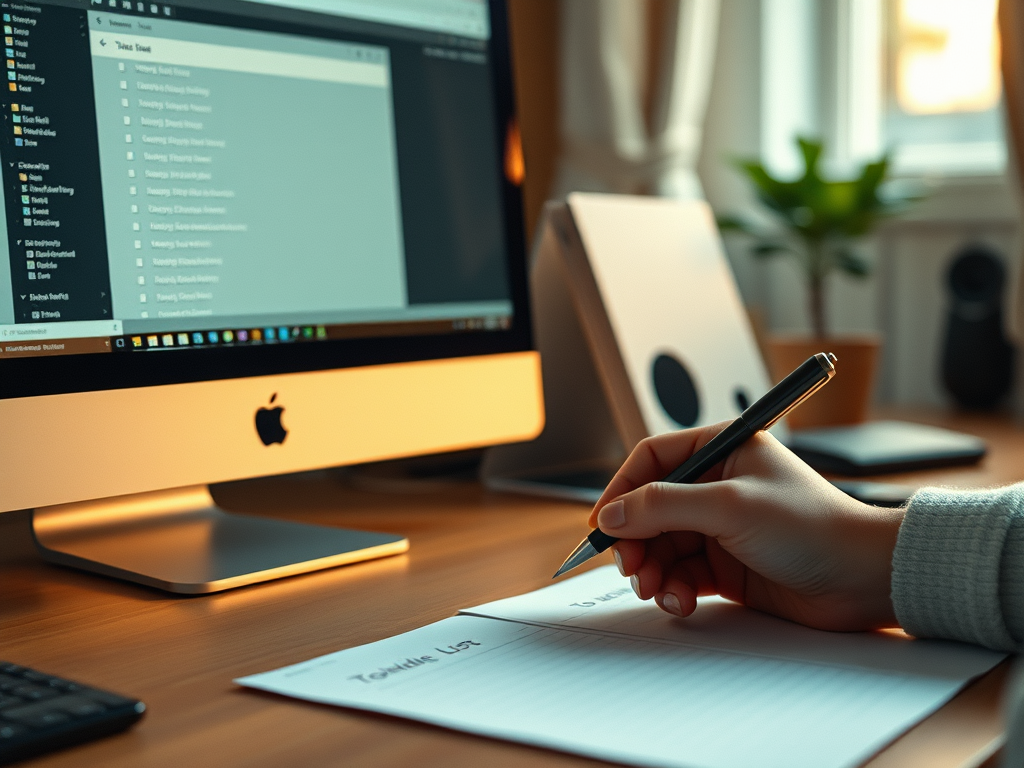
The Digital Takedown: The To-Do List
And the change that made the difference.
I have a confession to make. I am a world-class, gold-medal, Hall-of-Fame procrastinator.
There. I said it. And honestly, it feels better to have that out in the open.
Now, you might think that someone who writes about organising, decluttering and generally getting your life together might have the whole productivity thing nailed. You would be wrong. Gloriously, spectacularly wrong.
For years, I have used digital to-do lists. I’ve worked my way through most of them, testing, trialling, subscribing, cancelling, and eventually circling back to the ones I tried first. (Which is, in itself, a productivity lesson of sorts.) At work I use Todoist. At home, Tick-Tick. Having them on different platforms means I don’t have to keep logging out of one and back into the other, which felt like a very efficient solution to a problem I’d created for myself.
And they are genuinely brilliant apps. They are slick, clever, and wonderfully well-designed. You can add notes, attach files, set reminders, create sub-tasks, colour-code, prioritise, and generally feel enormously organised just by looking at them.
Here is the problem: they are almost too good.
The Dark Side of the Digital List
Because alongside all those marvellous features is one tiny, seemingly innocent button. The reschedule button.
Got a task you’ve been avoiding? One click, and it’s tomorrow’s problem. Still avoiding it tomorrow? Next week. Next week comes around? Next month. Before you know it, you have tasks that have been rescheduled so many times they’ve practically earned a pension.
And this is where I, champion procrastinator, have been living. Logging in each morning to a list of overdue tasks, cheerfully rescheduling the ones I don’t want to do, and telling myself that I’ve been productive because I ticked off the easy ones. Filing a receipt: done. Watering the plants: done. Writing that difficult email I’ve been avoiding for three weeks: tomorrow, definitely tomorrow. The digital list enables this perfectly. It never judges you. It never sighs. It just quietly moves the task forward, every single time you ask it to.
Enter the Paper List
A few weeks ago, I decided to try something different. A paper daily to-do list.
Now, I know what you might be thinking. Isn’t that going backwards? And yes, in some ways, it is. Paper lists don’t have reminders. You can’t attach a file to a paper list (well, you could, with a paperclip, but that’s not quite the same). They lack the satisfying little ping of a completed task disappearing from your screen.
But here is what paper lists do have: friction. Wonderful, productive, slightly annoying friction.
If you have a paper daily to-do list and you don’t finish everything on it, the next morning you have to write those unfinished tasks out again. By hand. With a pen. On a new piece of paper.
And this, it turns out, is absolutely transformative.
When you write “call the insurance company” for the third day running, you feel mildly irritated. The fourth time, you feel genuinely fed up. By the fifth time, you think: you know what, it would actually be less effort to just make the phone call than to write this wretched thing out again.
And that’s when it happens. You pick up the phone.
The physical act of rewriting a task is a small but real cost. Digital rescheduling costs nothing at all, which is precisely why it’s so easy to do it indefinitely. Writing something out again, for the fifth time, is a gentle but insistent nudge from your own handwriting saying: come on now, just do it.
The Best of Both Worlds
I haven’t abandoned my digital apps entirely. That would be a bit like throwing out the filing cabinet because you’ve bought a new notebook. They’re still enormously useful.
What I’ve landed on is a two-layer system. The digital list is my overview, my capture tool. When I think of something I need to do, I pop it in the app immediately, because my phone is always to hand and my memory absolutely is not. It’s the big picture, the master list, the place where ideas go to wait patiently. Where I can add notes and files.
But each morning, I sit down with my paper list and pick out from my digital list what I’m actually going to do today. I write them down. Properly, with a pen. And if something carries over to tomorrow, I write it again.
It sounds simple, because it is. But simple, as we know, is often what works.
A Small Change, A Big Difference
If you’re someone who, like me, has a digital list full of tasks that have been rescheduled approximately forty-seven times, it might be worth giving this a go. You don’t need a special notebook. A piece of A5 paper works perfectly well, and there’s something quite satisfying about screwing it up and throwing it away at the end of the day. Closure, in paper form. (Or maybe you’d prefer to keep it to impress your adult kids with your organisation skills when they’re clearing your clutter after you’ve shuffled off this mortal coil.) Your choice.
Give it a week. See how it feels. Notice whether that task you’ve been avoiding suddenly seems more manageable when the alternative is writing it out again tomorrow.
It works for me anyway. That’s the upside. The downside being I’ll never win a gold medal in procrastinating again!
Over to you: I’d love to know what other people do. Are you a committed digital lister, a paper devotee, or have you found some other system that works for you? Do you have a trick for getting the tasks you really don’t want to do actually done? Drop a comment below and let’s share the wisdom, I promise not to reschedule reading it.


You May Also Like

Buying time: How to Buy Less and Do More

Master Your Desk: A Simple System for Clutter-Free Focus